Compare MacBooks. Get clear, real-world insights
Compare MacBooks. Get clear, real-world insights
Compare MacBooks. Get clear, real-world insights
Pick the right model in under 7 minutes
See how iPhones score for your litestyle, from the best fit to the least
See how iPhones score for your litestyle, from the best fit to the least

Which MacBook is right for you?


| Brightness | 500 nits | 600 nits SDR / 1,000 nits HDR |
| External displays | 1 display up to 6K | Up to 2 displays (6K + 5K) |
| CPU | 8-core (4 performance, 4 efficiency) | 12-core (6 performance, 6 efficiency) |
| ProMotion | Not available | Up to 120Hz adaptive |
| Neural Engine | 16-core | 16-core |
| Power adapter | 35W dual USB-C | 70W USB-C |
| Fast charge support | Yes with 70W adapter | Yes (standard) |
| Speakers | 4-speaker system | 6-speaker system with Spatial Audio |
| Use-case insight | Brightness: 500 nits | Brightness: 600 nits SDR / 1,000 nits HDR |
| Brightness | 500 nits | 600 nits SDR / 1,000 nits HDR |
| ProMotion | Not available | Up to 120Hz adaptive |
| Use-case insight | CPU: 8-core (4 performance, 4 efficiency) | CPU: 12-core (6 performance, 6 efficiency) |
| CPU | 8-core (4 performance, 4 efficiency) | 12-core (6 performance, 6 efficiency) |
| Neural Engine | 16-core | 16-core |
| Power adapter | 35W dual USB-C | 70W USB-C |
| Fast charge support | Yes with 70W adapter | Yes (standard) |
| MagSafe | MagSafe 3 | MagSafe 3 |
| External displays | 1 display up to 6K | Up to 2 displays (6K + 5K) |
| Speakers | 4-speaker system | 6-speaker system with Spatial Audio |
| Camera | 1080p FaceTime HD | 1080p FaceTime HD |
AI match report
AI match report
AI match report
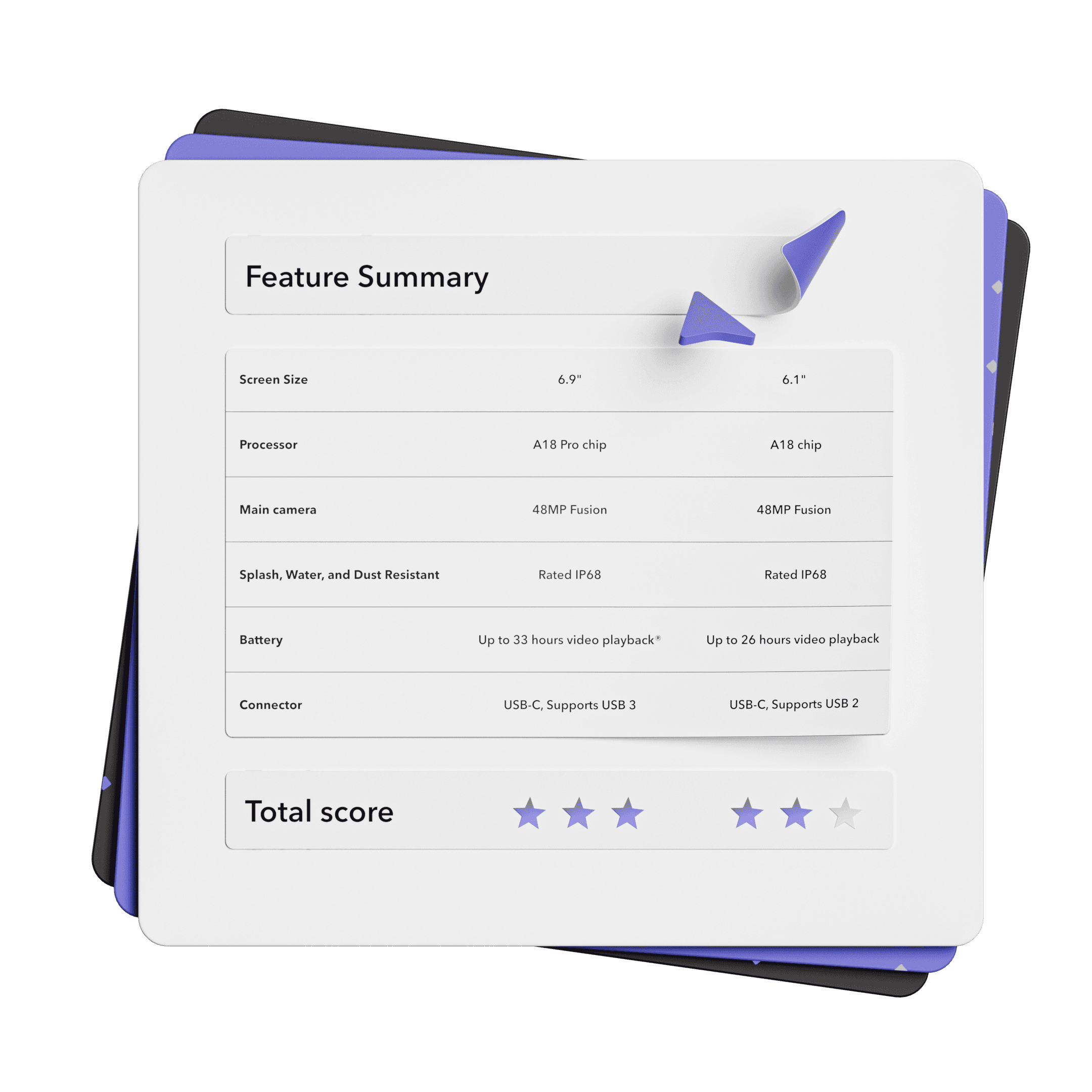
Al has crafted personalized Mac recommendations tailored to your lifestyle and habits.
Al has crafted personalized Mac recommendations tailored to your lifestyle and habits.
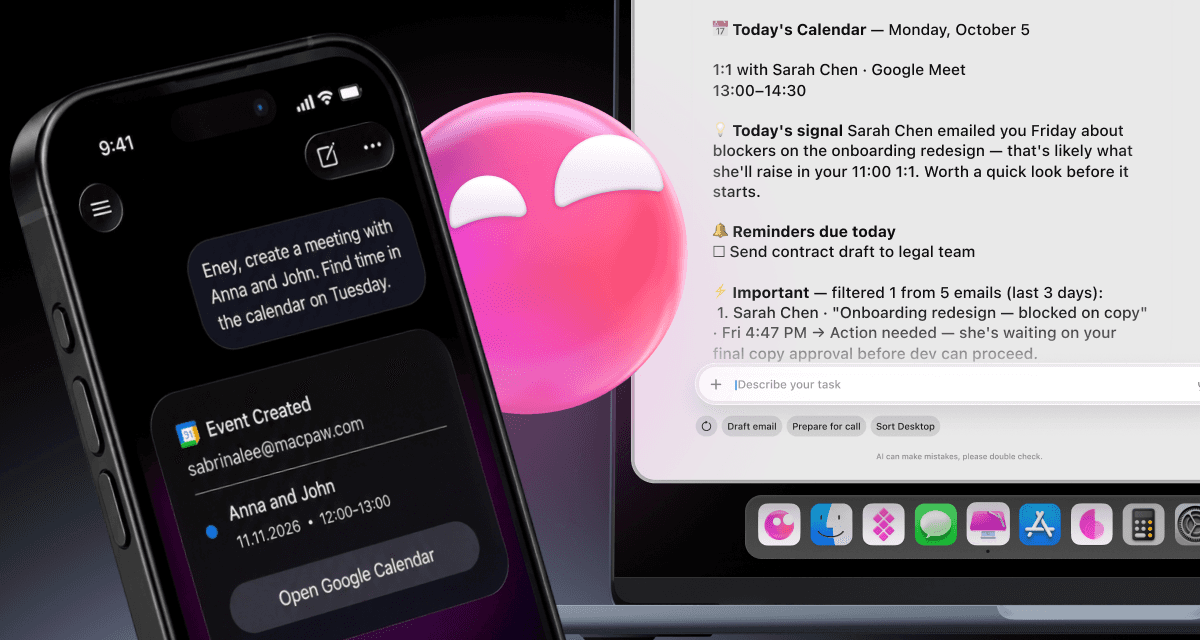
Keep more time for the work only you can do with Eney, a proactive AI assistant.


Keep more time for the work only you can do with Eney, a proactive AI assistant.
How do you compare Macs?
How do you compare Macs?
Pick your candidates
Choose 2 Mac models you'd like to compare.
Pick your candidates
Choose 2 Mac models you'd like to compare.
Select what matters most
Screen size, battery life, memory, CPU, price — set your priorities.
Select what matters most
Screen size, battery life, memory, CPU, price — set your priorities.
Personalized recommendation
Compare Mac models side-by-side, scored for how well they fit you.
Personalized recommendation
Compare Mac models side-by-side, scored for how well they fit you.
Side-by-side MacBook comparison- from size to benchmark scores
Pricing insights to help you get the best value for your budget
Advice on older Macs to help you make a smarter choice
Personalized recommendation on your ideal MacBook model — in plain English
A 0-10 score for each model you compare based on how well it matches your needs
Key factors to compare when choosing a Mac
Key factors to compare when choosing a Mac
Key factors to compare when choosing a Mac
Mac size
Air vs. Pro
Battery life
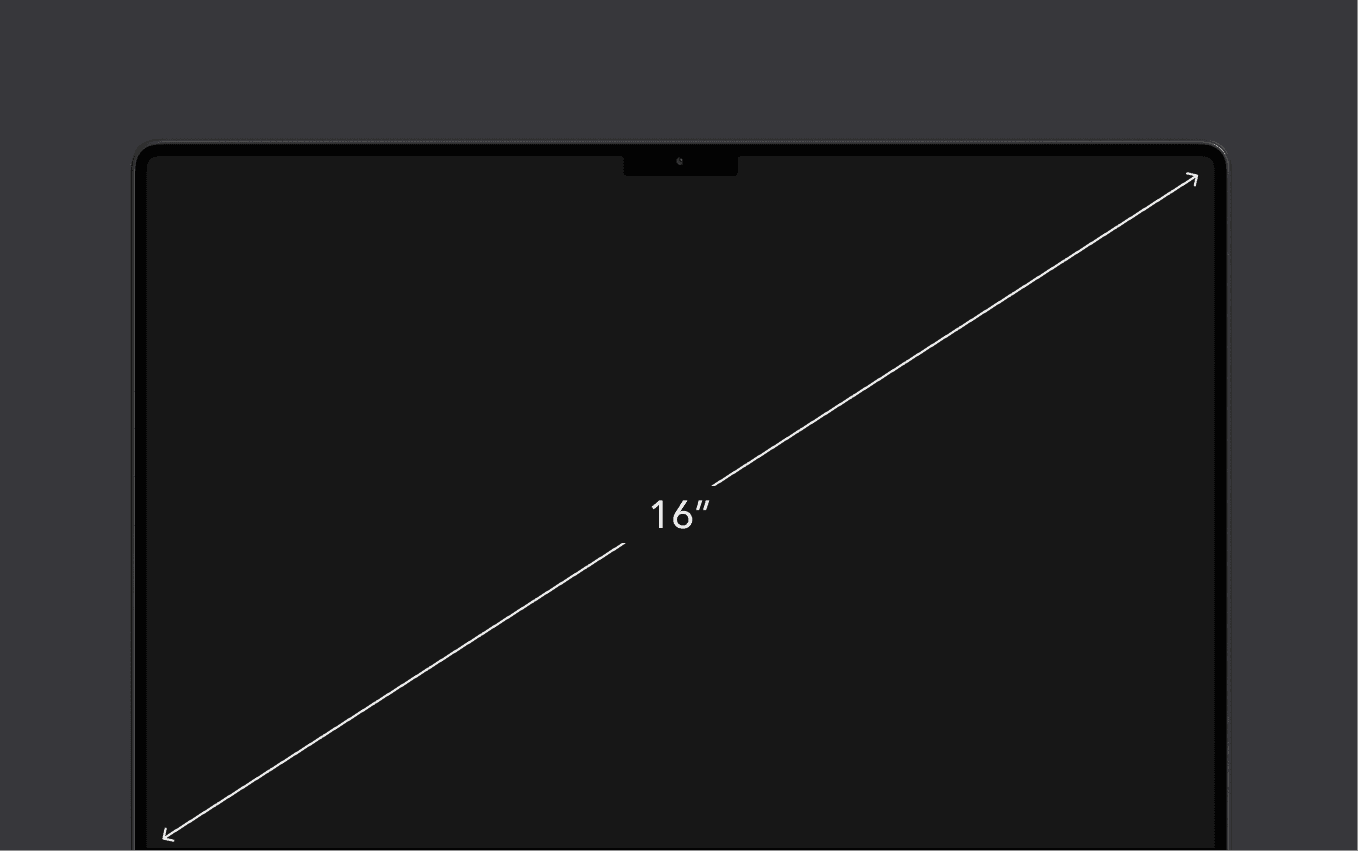
Macs come in a range of sizes: 13, 14, 15, and 16” for laptops and 24” for the desktop iMac. Smaller MacBook displays are great for casual use — writing, browsing, and watching videos. Larger displays are better suited for professionals who juggle multiple apps, browsers, or complex workflows. Note that some Mac devices come without a built-in display, including the Mac mini, Mac Studio, and Mac Pro. You can pair these models with any compatible external monitor from Apple or another brand to fit your preferred screen size and setup. Apple offers two display options: the 27” Studio Display and the 32” Pro Display XDR.
Mac size
Air vs. Pro
Battery life
Macs come in a range of sizes: 13, 14, 15, and 16” for laptops and 24” for the desktop iMac. Smaller MacBook displays are great for casual use — writing, browsing, and watching videos. Larger displays are better suited for professionals who juggle multiple apps, browsers, or complex workflows. Note that some Mac devices come without a built-in display, including the Mac mini, Mac Studio, and Mac Pro. You can pair these models with any compatible external monitor from Apple or another brand to fit your preferred screen size and setup. Apple offers two display options: the 27” Studio Display and the 32” Pro Display XDR.
Mac size
Air vs. Pro
Battery life
Macs come in a range of sizes: 13, 14, 15, and 16” for laptops and 24” for the desktop iMac. Smaller MacBook displays are great for casual use — writing, browsing, and watching videos. Larger displays are better suited for professionals who juggle multiple apps, browsers, or complex workflows. Note that some Mac devices come without a built-in display, including the Mac mini, Mac Studio, and Mac Pro. You can pair these models with any compatible external monitor from Apple or another brand to fit your preferred screen size and setup. Apple offers two display options: the 27” Studio Display and the 32” Pro Display XDR.
What to look for when buying a Mac?
What to look for when buying a Mac?
What to look for when buying a Mac?
Display size and technology
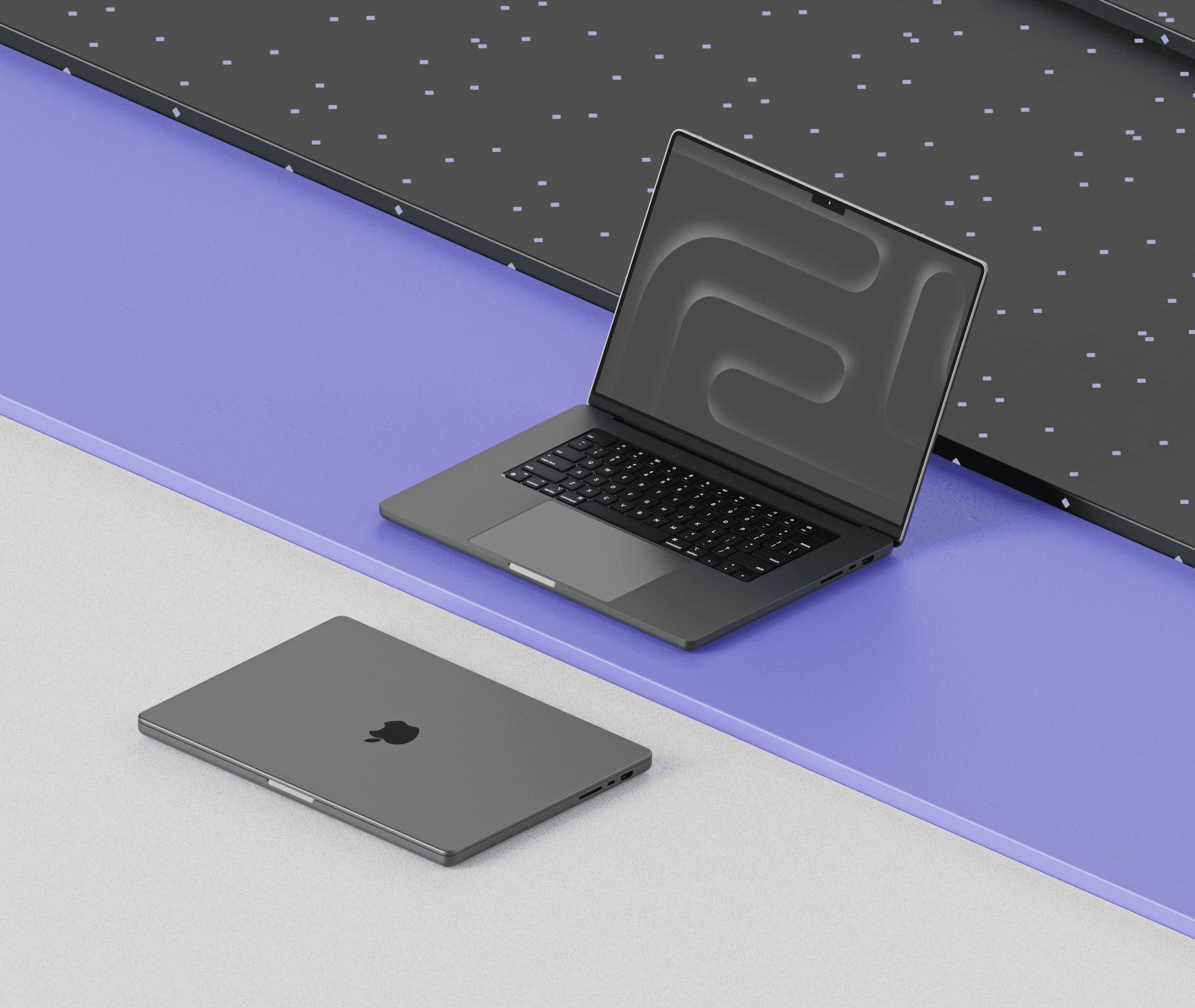
Mac size comparison will show that you can get 13, 14, 15, and 16” laptops or 24” desktop iMac. You can also purchase 27” or 32” external displays separately. All modern MacBooks feature Retina displays, which are excellent for most users. However, if you work extensively with photos, videos, or graphics, consider a Liquid Retina or Liquid Retina XDR display for even better color accuracy and brightness.
Processor and performance
Camera capabilities
Battery life
Storage options
Price range
Whatever Mac you choose, the right tool can take it to the next level. Add superpowers your iPhone doesn’t come with and turn it into a hub for work, creativity, and quick fixes.
Whatever Mac you choose, the right tool can take it to the next level. Add superpowers your iPhone doesn’t come with and turn it into a hub for work, creativity, and quick fixes.
Explore Setapp.
Simplify your Apple life
Get the most out of your Apple devices with quality tools. Type in your task into Setapp search and get instant app recommendations.







Frequently asked questions
Frequently asked questions
What are the differences between MacBooks?
The term MacBook typically refers to Apple laptops. When you compare MacBooks, pay attention to these features:
Model: MacBook Air (typically 13” or 15” and considered to be a more portable and lighter version of the device) and MacBook Pro (typically 14” or 16” and considered to be more powerful and built for more resource-intensive tasks).
Size: 13”, 14”, 15” or 16” displays.
Chips: Intel chip (used in older devices) and Apple M chip (found in newer devices since 2020).
Memory: From 16 to 128 GB.
Storage space: From 256 GB to 8 TB.
Check your Mac serial number to find out more about your model.
Is Air or Pro MacBook better?
Why is the MacBook Pro more expensive than the Air?
Which MacBook lasts longer, Air or Pro?
What should I choose, an iMac or a MacBook?
What are the differences between MacBooks?
The term MacBook typically refers to Apple laptops. When you compare MacBooks, pay attention to these features:
Model: MacBook Air (typically 13” or 15” and considered to be a more portable and lighter version of the device) and MacBook Pro (typically 14” or 16” and considered to be more powerful and built for more resource-intensive tasks).
Size: 13”, 14”, 15” or 16” displays.
Chips: Intel chip (used in older devices) and Apple M chip (found in newer devices since 2020).
Memory: From 16 to 128 GB.
Storage space: From 256 GB to 8 TB.
Check your Mac serial number to find out more about your model.
Is Air or Pro MacBook better?
Why is the MacBook Pro more expensive than the Air?
Which MacBook lasts longer, Air or Pro?
What should I choose, an iMac or a MacBook?
Compare other Apple devices
Compare other Apple devices
Compare other Apple devices


Power up your work with Setapp
Power up your work with Setapp
Apps for macOS and iOS
Free 7-day trial
Automated app updates


Company
Helpful
Best apps
Our best content
How–tos
Setapp: Work and create with secure, high-qulity Mac apps
25 Serifou, Allure Center 11, Office No. 11-12, 2nd Floor, 3046 Zakaki, Limassol, Cyprus
Company
Helpful
Best apps
Our best content
How–tos
Setapp: Work and create with secure, high-qulity Mac apps
25 Serifou, Allure Center 11, Office No. 11-12, 2nd Floor, 3046 Zakaki, Limassol, Cyprus
Company
Helpful
Best apps
Our best content
How–tos
Setapp: Work and create with secure, high-qulity Mac apps
25 Serifou, Allure Center 11, Office No. 11-12, 2nd Floor, 3046 Zakaki, Limassol, Cyprus