Convert MOV to MP4 easily on your Mac
Convert MOV to MP4 quickly and easily, with full format compatibility.
No registration required. Completely free and safe.
Convert right from your browser in an instant.
Ideal for sharing videos across devices and platforms.
Like this tool? Setapp’s got 250+ more. Get 25% off your first Mac + iOS month.
or drop video here



How to сonvert MOV to MP4
Open the MOV to MP4 converter.
Сlick the upload button, or drag and drop your MOV file.
Wait a few seconds while we convert MOV to MP4 for you.
Download your converted MP4 file.
Why choose our Numbers to Excel converter?
Convert MOV to MP4 fast and free, with no hidden fees
Maintain video quality and compatibility across devices
Works securely in your browser — no files are uploaded
Totally free to use, without ads or sign-up hassles



Why choose our Pages to Word converter
Features and supported formats
File size limit:
Up to 100MB
Input format:
MOV
Output format:
High-quality MP4
Device support:
All modern browsers
Explore Setapp. Save 25% now
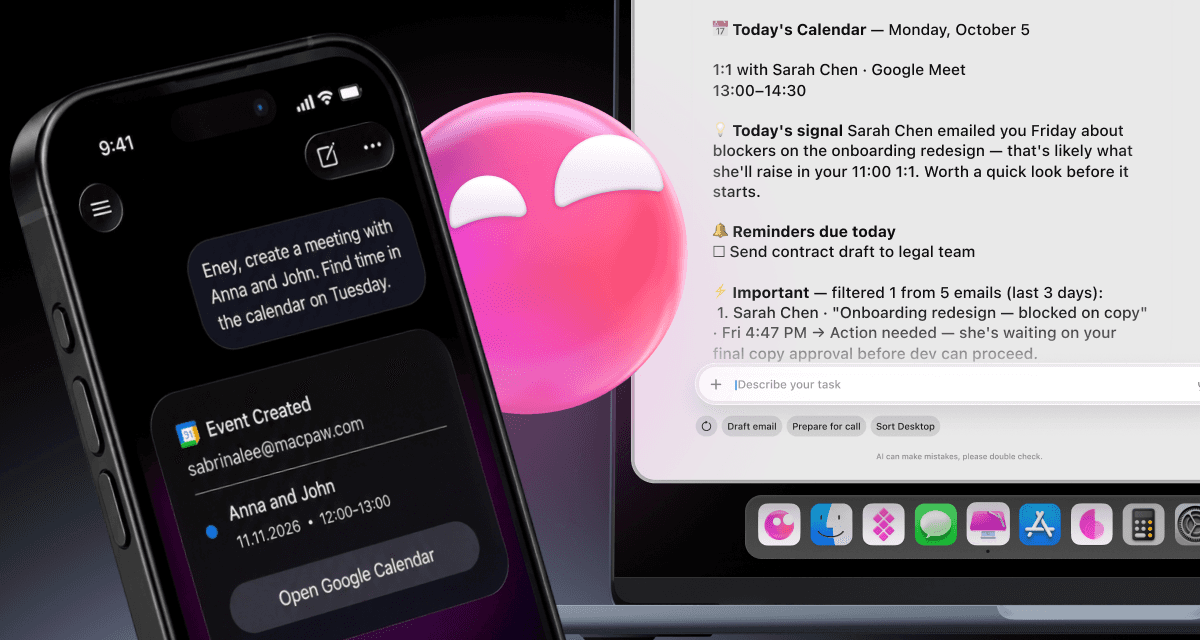
Get more from your Apple devices with quality tools. Type your task in Setapp to get instant app picks. Grab 25% off your first month on the Mac + iOS plan.

Frequently asked questions
What’s the difference between MOV and MP4?
MOV is a format owned by Apple and used on Apple devices. It produces videos in high quality, but the size tends to be larger. MP4 is a universal format with broad compatibility.
Is there a way to convert MOV to MP4 without losing quality?
You can convert MOV to MP4 without losing quality by using a MOV to MP4 converter. Alternatively, you can use Setapp's Permute to convert MOV to MP4 without losing quality. Its default settings will maintain much of the original quality, but you can still customize them for even higher quality.
Can I convert multiple videos at once?
You can convert multiple videos at once using Permute, which is part of the Setapp platform. It provides a simple drag-and-drop interface, then lets you convert several videos within seconds.
Will the converted MP4 files work on Windows or Android?
Converted MP4 files work well on Windows and Android. They are also compatible with smart TVs, social media platforms, and all other major platforms.
Is this safer than using online converters?
Using tools like Permute to convert MOV to MP4 is safer than using online converters. Rather than upload your videos to a server, Permute handles everything locally. Alternatively, use Setapp's free MOV to MP4 converter. It keeps your files safe by not storing or sharing them. Plus, it’s super fast and doesn’t have any annoying ads or hidden fees.
What’s the difference between MOV and MP4?
MOV is a format owned by Apple and used on Apple devices. It produces videos in high quality, but the size tends to be larger. MP4 is a universal format with broad compatibility.
Is there a way to convert MOV to MP4 without losing quality?
You can convert MOV to MP4 without losing quality by using a MOV to MP4 converter. Alternatively, you can use Setapp's Permute to convert MOV to MP4 without losing quality. Its default settings will maintain much of the original quality, but you can still customize them for even higher quality.
Can I convert multiple videos at once?
You can convert multiple videos at once using Permute, which is part of the Setapp platform. It provides a simple drag-and-drop interface, then lets you convert several videos within seconds.
Will the converted MP4 files work on Windows or Android?
Converted MP4 files work well on Windows and Android. They are also compatible with smart TVs, social media platforms, and all other major platforms.
Is this safer than using online converters?
Using tools like Permute to convert MOV to MP4 is safer than using online converters. Rather than upload your videos to a server, Permute handles everything locally. Alternatively, use Setapp's free MOV to MP4 converter. It keeps your files safe by not storing or sharing them. Plus, it’s super fast and doesn’t have any annoying ads or hidden fees.
Explore more tools
Explore more tools


Setapp for Mac + iOS
Get 25% off your first month
Setapp for Mac + iOS
Get 25% off your first month
Apps for macOS and iOS
No ads or hidden fees
Automated app updates


Company
Helpful
Best apps
Our best content
How–tos
Setapp: Work and create with secure, high-qulity Mac apps
25 Serifou, Allure Center 11, Office No. 11-12, 2nd Floor, 3046 Zakaki, Limassol, Cyprus
Company
Helpful
Best apps
Our best content
How–tos
Setapp: Work and create with secure, high-qulity Mac apps
25 Serifou, Allure Center 11, Office No. 11-12, 2nd Floor, 3046 Zakaki, Limassol, Cyprus
Company
Helpful
Best apps
Our best content
How–tos
Setapp: Work and create with secure, high-qulity Mac apps
25 Serifou, Allure Center 11, Office No. 11-12, 2nd Floor, 3046 Zakaki, Limassol, Cyprus